
How do I cancel my subscription?Updated 8 months ago
You can cancel your subscription at any time, for any reason.
The process for cancelling your subscription depends on whether you have an account with us, or whether you bought your subscription as a guest - in other words you didn't create a password during the process.
If you have an account with us:
- Log into your account by visiting this link or by clicking this icon at the top right of the website:

- On your account page, on the right under the heading Subscriptions, click the link that says Manage your subscriptions.
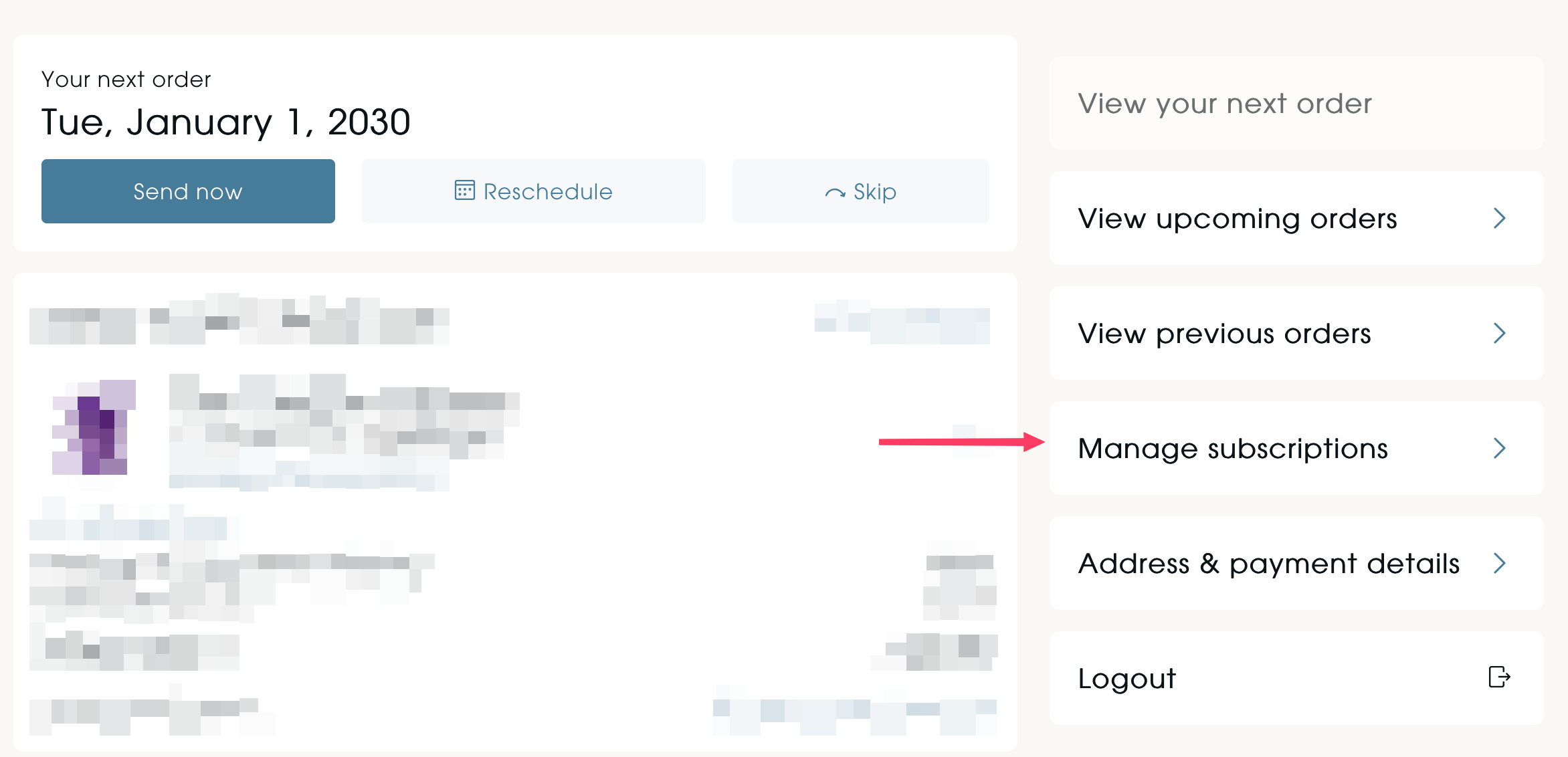
- In your subscriptions portal page, click on the link saying Manage subscriptions on the right:
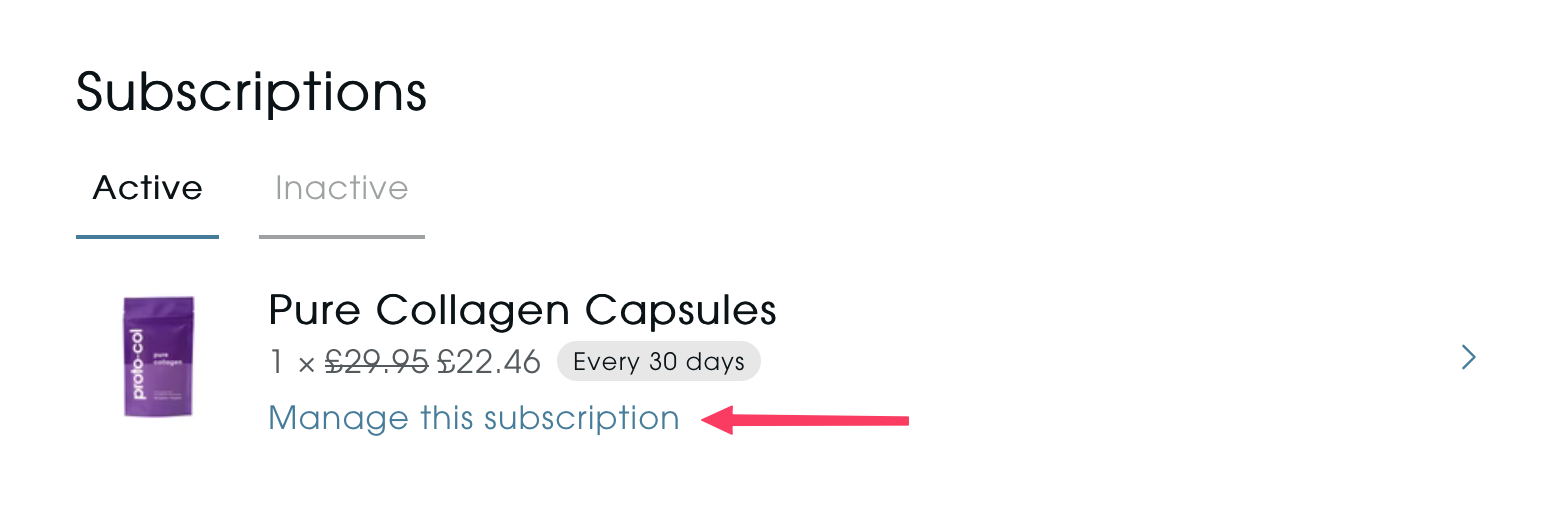
- Select the subscription you want to cancel, by clicking on Manage this subscription:
- Click on Cancel subscription at the bottom of the page. You will be prompted to confirm that you want to cancel it, at which point it will be cancelled.
If you don't have an account with us:
- Visit the account page by visiting this link or by clicking this icon at the top right of the website:
- Click on the Manage subscriptions link at the bottom fo this page, below the form, or click on this link.
- On the page titled Request account invite enter the email address you used to purchase your subscription, and click Get Subscription Login. Please note: This will not create an account with us, this is used purely to access your subscription as a guest.
- You will receive an email from us within a few minutes that will contain a link that will take you directly to your subscription portal. If you have not received this within 5 minutes - please check your junk/spam email folder.
- Select the subscription you want to cancel, by clicking on Manage this subscription:
- Click on Cancel subscription at the bottom of the page. You will be prompted to confirm that you want to cancel it, at which point it will be cancelled.
If you experience difficulties cancelling your subscription, please contact us.